
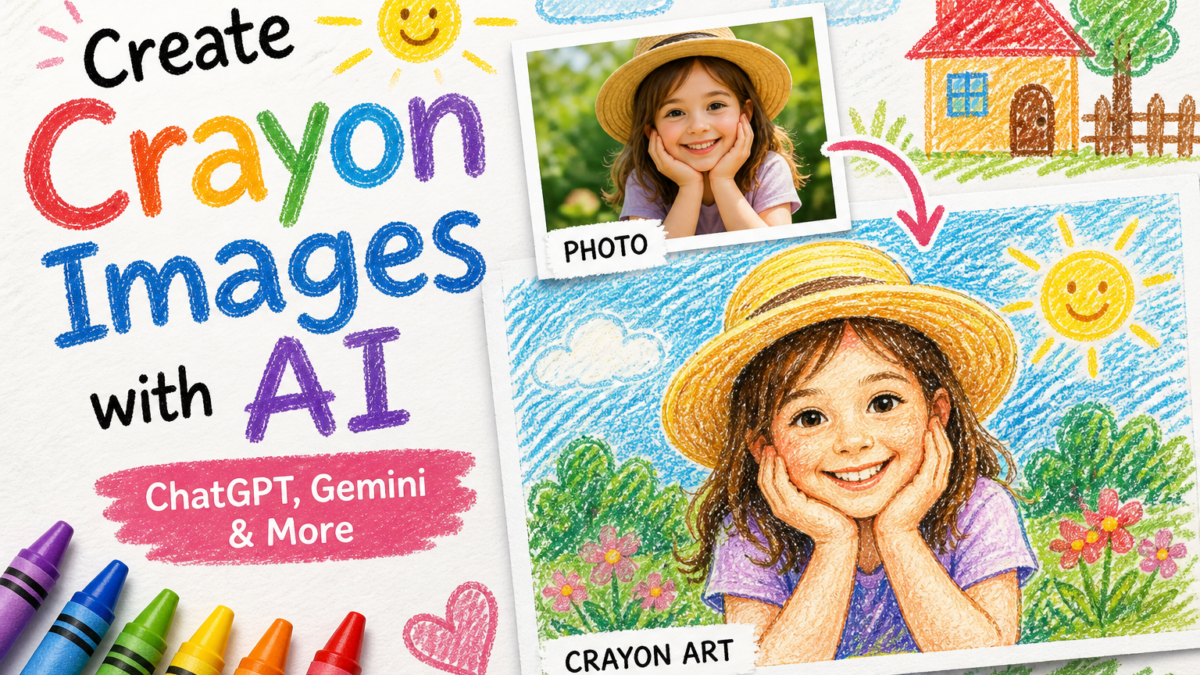
This article explains how to create crayon-style images using AI tools such as ChatGPT and Google Gemini, including both photo-to-image and text-to-image workflows.
What Is AI Crayon Image Generation
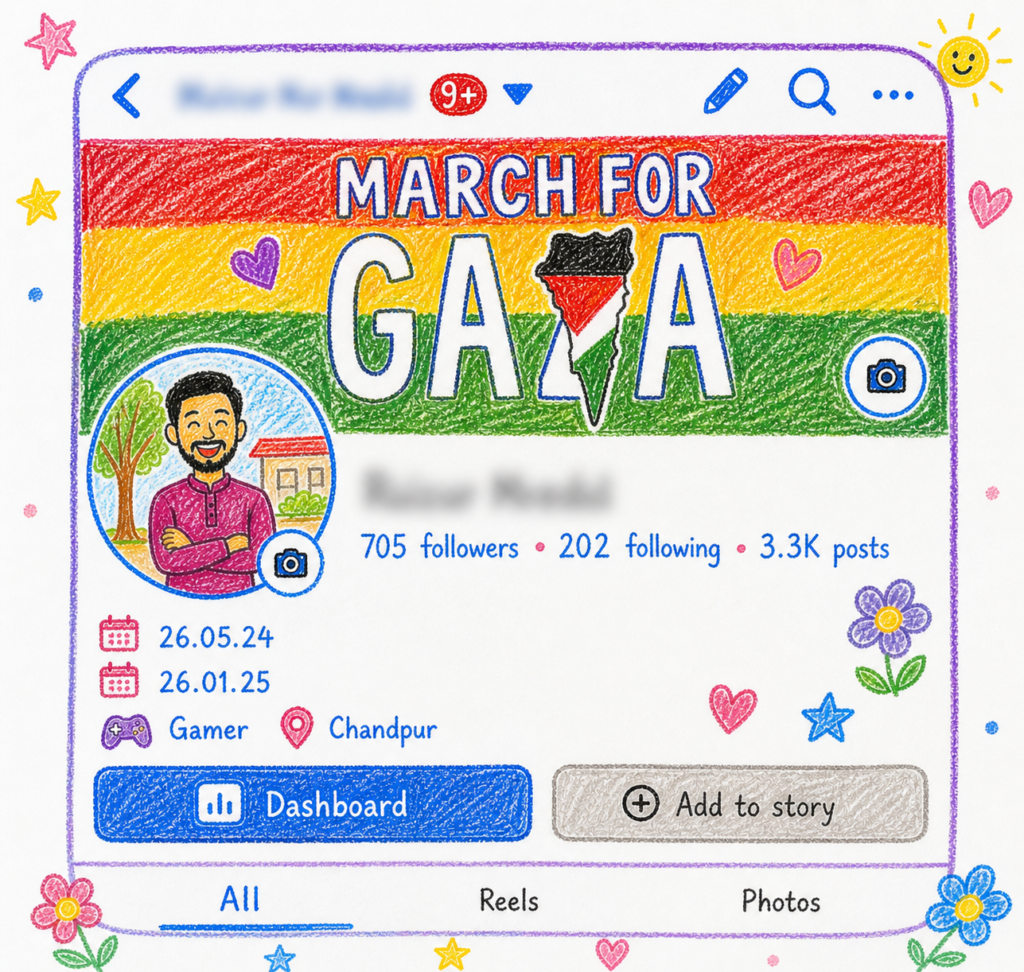
AI crayon image generation converts a photo or text description into artwork that mimics real crayon drawings.
Core components:
- Edge detection
- Region segmentation
- Texture simulation
- Style transfer
Output: childlike drawing with wax texture and paper-like background.
Supported AI Tools
ChatGPT
- Image generation from text or uploaded images
- Supports style-specific instructions
- Allows iterative refinement
Google Gemini
- Text-to-image generation
- Handles stylized prompts
- Produces consistent visual outputs
Additional Platforms
- Stable Diffusion-based tools
- Browser-based AI generators
- Free-tier AI art platforms
How AI Converts Images to Crayon Style
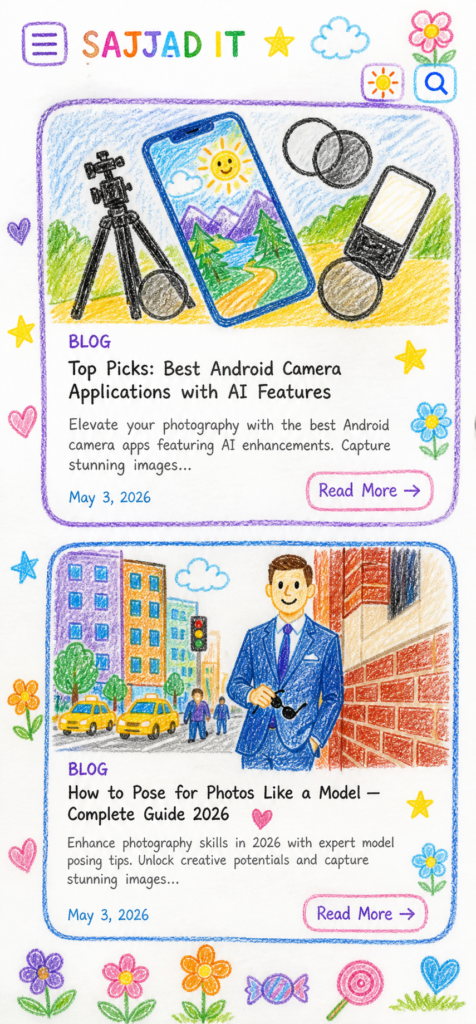
Process:
- Detects objects and outlines
- Segments image into regions
- Applies simulated wax strokes
- Renders stylized output
This preserves structure while changing visual style.
Step-by-Step: Photo to Crayon Image
- Upload a high-quality image
- Select crayon or sketch-like style
- Adjust parameters (if available):
- Stroke thickness
- Color saturation
- Texture intensity
- Generate and download output
Avoid:
- Blurry images
- Overexposed lighting
- Complex backgrounds
Text-to-Image Crayon Generation
AI tools can generate crayon drawings without a source image by interpreting text descriptions.
Requirements:
- Clear subject description
- Style indicators (crayon, wax, paper texture)
- Limited prompt length for consistency
Key Features That Affect Output Quality
| Feature | Effect |
|---|---|
| Resolution | Higher detail clarity |
| Prompt structure | Direct impact on style accuracy |
| Style controls | Adjust visual consistency |
| Processing model | Determines realism of texture |
Use Cases
- Social media visuals
- Marketing creatives
- Educational materials
- Children’s illustrations
- Personalized artwork
Common Limitations
- Loss of fine detail in complex images
- Inconsistent texture rendering
- Variation across platforms
Legal and Usage Considerations
- Verify ownership of uploaded images
- Check platform licensing terms
- Some tools restrict commercial usage
Conclusion
AI tools such as ChatGPT and Google Gemini enable fast generation of crayon-style images from both photos and text. Output quality depends on input quality, parameter control, and tool capability.
🎨 Prompt #1 — Cute Crayon Style
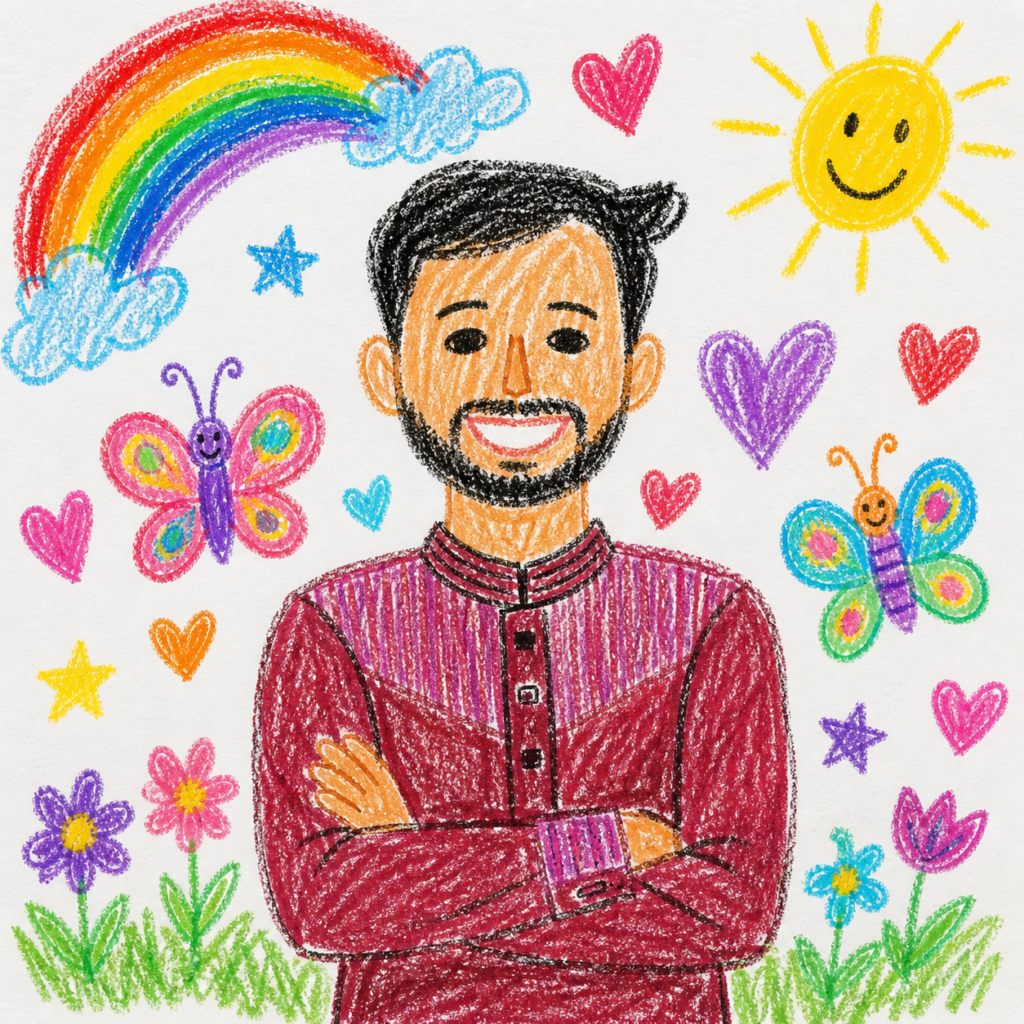
Recreate this picture in a crayon drawing style. The detailing makes it look like a 10-year-old child drew it. Don’t copy the colors of the picture exactly when you upload it. The child drawing on white paper looks easy and fluent. Add some cute elements like flowers, clouds, sun, stars, candy to the picture to make it cute and childlike.