
Introduction
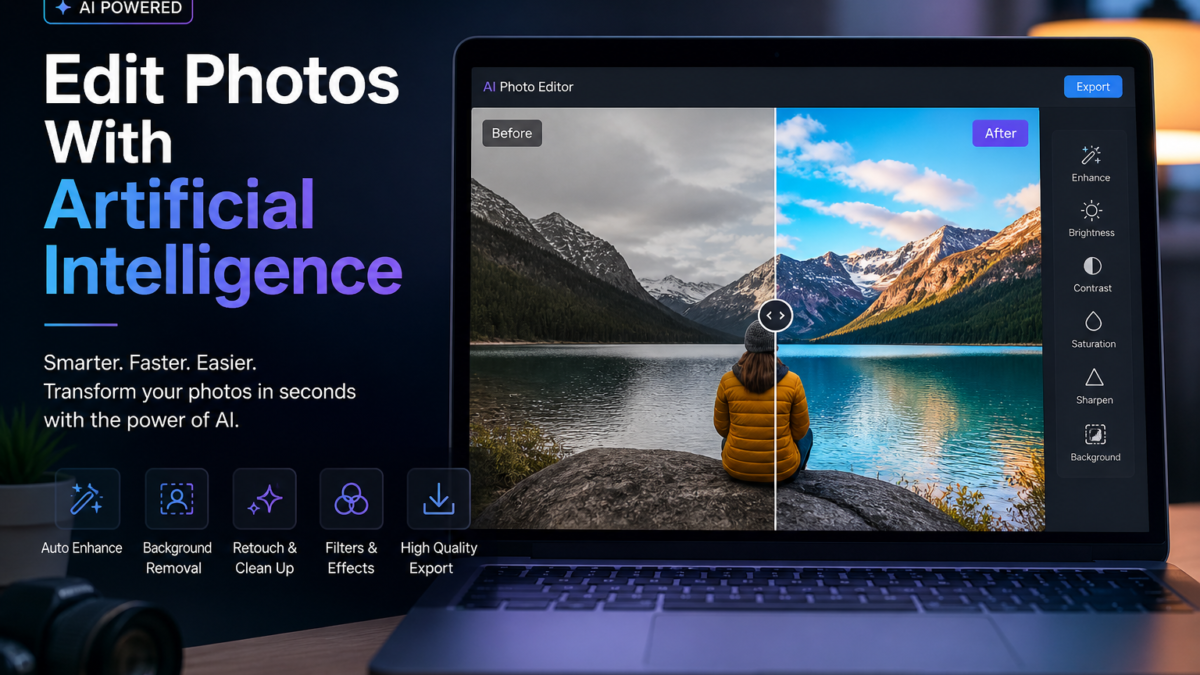
Editing photos no longer requires advanced skills or expensive software. Thanks to artificial intelligence (AI), you can now enhance images quickly and easily using smart tools that handle complex adjustments automatically. This guide focuses on how to edit photos with AI, providing a clear, beginner-friendly approach to creating professional-quality visuals with minimal effort.
Throughout this article, you will learn what AI photo editing means, why it is important, and how to apply it step by step. We will also introduce popular AI models like Google Gemini and ChatGPT that simplify the editing process. Additionally, we will explore various AI-powered photo editors and enhancers such as Luminar AI, photo enhancer free tools, and AI face editors that make photo editing AI accessible and effective for everyone.
What is Editing Photos With Artificial Intelligence?
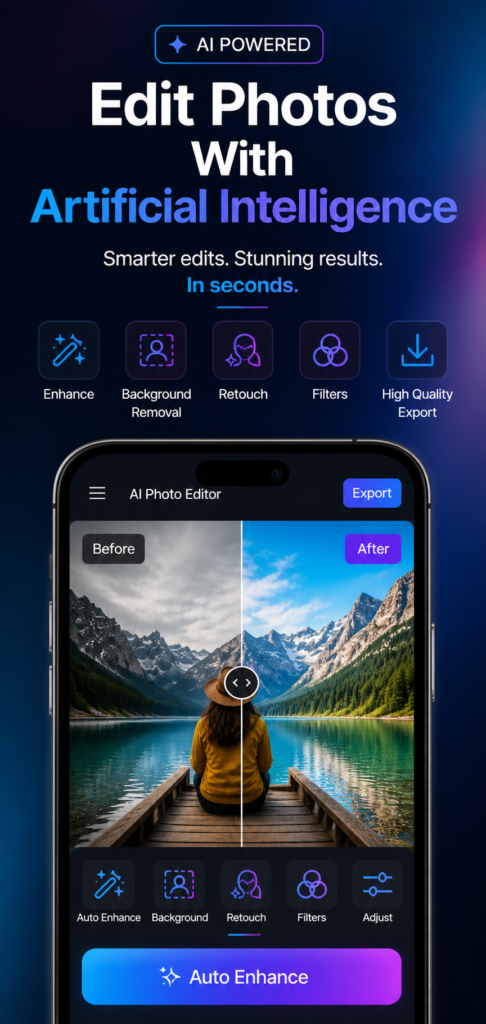
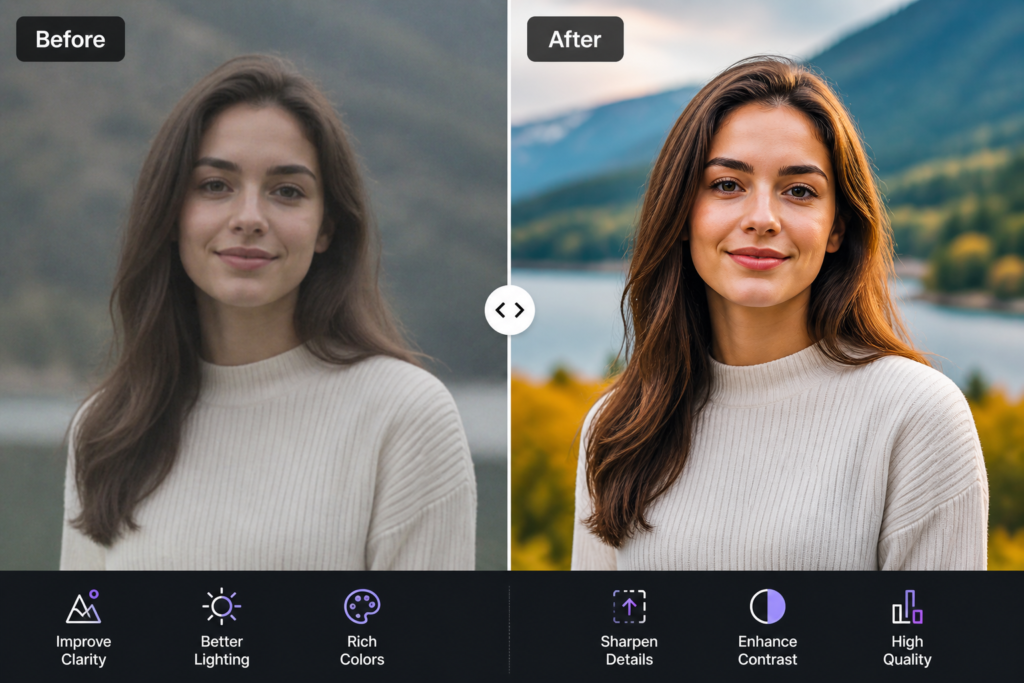
Editing photos with artificial intelligence involves using AI-powered tools that automatically analyze and improve images. These tools detect faces, objects, lighting, and colors, then apply adjustments such as:
- Brightness correction
- Background removal
- Object cleanup
- Style enhancement
Instead of manually tweaking each detail, AI systems perform most of the work instantly, making photo editing accessible to everyone. Whether you use a photo AI editor, an AI image editor, or an AI powered photo editor, the goal is to simplify the process and improve image quality efficiently.
Why AI Photo Editing Matters
Step-by-Step Guide to Editing Photos With AI
Follow these steps to edit your photos efficiently using AI-powered tools like ChatGPT and Google Gemini:
- Choose Your Image: Select a clear, high-quality photo. Avoid blurry images and ensure proper lighting if possible. Better input leads to better output.
- Upload to an AI Editing Tool: Use platforms such as ChatGPT, Google Gemini, or Luminar AI. Upload your image or paste it directly if supported. Many photo enhancer free tools and AI picture editors are available online to assist you.
- Apply Basic Enhancements: Most AI tools offer one-click improvements like auto brightness, contrast adjustment, and color correction. This instantly improves overall image quality.
- Remove Background: Use background removal features to automatically select the subject and replace the background with a solid color or a new image. This is especially useful for product photos, thumbnails, and profile pictures.
- Retouch and Clean Up: Fix unwanted elements by removing objects, smoothing skin, and reducing noise. AI retouching and AI face editors help keep edits natural and avoid over-processing.
- Apply Style or Filters: Enhance the visual appeal by adding artistic filters, adjusting tones (warm, cool, cinematic), or converting the image to different styles. Choose styles that match your intended use.
- Export the Final Image: Download your edited photo in the required format, such as JPG for general use or PNG for transparent backgrounds. Ensure the resolution fits your platform’s needs.
Required Tools and Platforms
Several AI-powered tools simplify photo editing by allowing you to give direct instructions instead of manually adjusting controls. Here are some popular options with expanded details on their capabilities:
Comparing Manual and AI-Based Photo Editing
Typical AI Photo Editing Workflow
Workflow Summary
- Select a clear, high-quality image
- Upload it to an AI-powered editing tool like ChatGPT, Google Gemini, or Luminar AI
- Apply automatic enhancements for brightness, contrast, and color
- Remove or replace the background as needed
- Retouch details to clean up the image using AI retouching and AI face editor features
- Apply filters or styles to enhance visual appeal
- Export the final version in the appropriate format and resolution
Common Mistakes to Avoid
- Using low-quality or blurry images that limit AI effectiveness
- Over-editing and losing the natural look of the photo
- Ignoring proper resolution requirements for your platform
- Applying too many filters that clutter the image
- Not reviewing the final output before downloading
Final Thoughts
Editing photos with artificial intelligence transforms the entire process from complex and time-consuming to simple and efficient. By following the step-by-step guide and leveraging AI models like Google Gemini and ChatGPT, beginners can produce clean, professional-quality images without needing advanced skills or expensive software.
With AI-powered tools such as Luminar AI, photo editor AI platforms, and AI image quality enhancers, photo editing becomes accessible to everyone, enabling you to create stunning visuals quickly and confidently. These tools continue to evolve, incorporating features such as real-time collaboration, cloud-based processing, and integration with other creative software, further enhancing productivity and creative possibilities.
Below, you will find prompts and tips for generating and editing images using these AI platforms, including how to best utilize AI for photo editing, AI to edit photos, and AI powered photo editors to maximize your creative output.