Create Stunning Product Photos with AI – No Camera Needed
Mredul Alom
May 4, 2026
0 Comments
Create Stunning Product Photos with AI – No Camera Needed 8
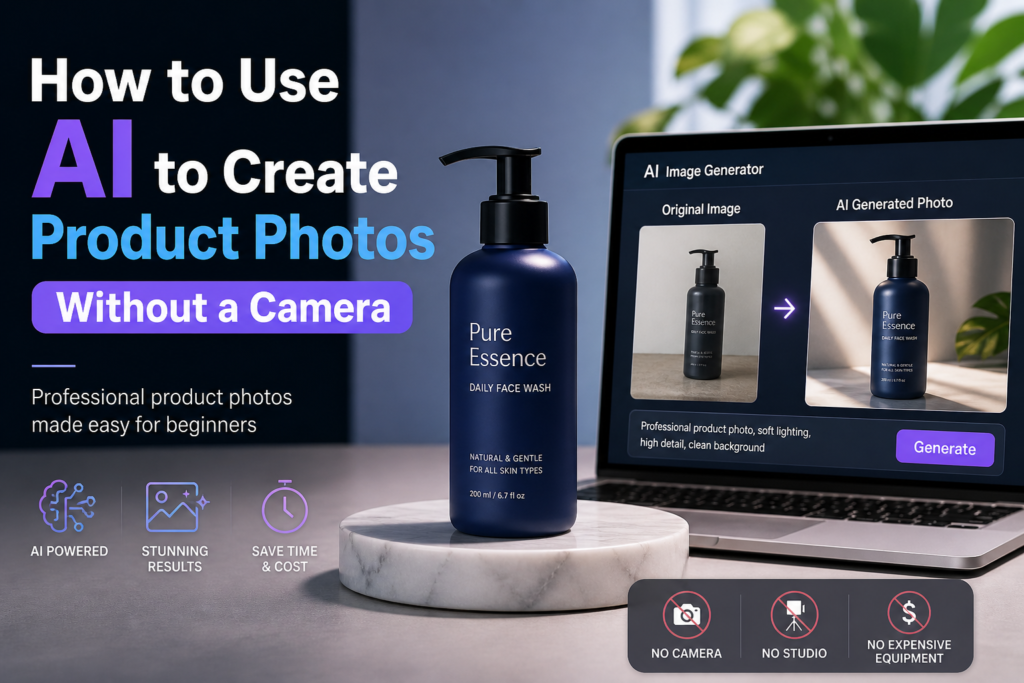
How to Use AI to Create Product Photos Without a Camera: A Beginner’s Guide
Creating product photos without a camera can feel intimidating, but AI makes the workflow practical for beginners. This guide explains AI product image generators, how they work, and how to use them. You’ll learn common tools, core techniques, and actionable tips to improve image quality so you can produce appealing product images without traditional photography gear.
What Are AI Product Image Generators and How Do They Work?
AI product image generators are software tools that use artificial intelligence to create images from user input. They run algorithms that interpret descriptions or data and produce realistic product photos for e-commerce. The main benefit is faster, lower-cost production of high-quality images, reducing the need for expensive equipment and professional services.
The rise of AI tools has led many to consider their potential to change the landscape of product photography. Among the most advanced and authoritative AI platforms are ChatGPT and Gemini, which have expanded the capabilities of AI in creative fields, including image generation and editing.
AI Tools Replacing Traditional Product Photography
Create Stunning Product Photos with AI – No Camera Needed 9
Some worry that AI-powered renders could replace traditional product photography in the near future. This concern is discussed in Art and photography in the age of artificial intelligence (2023).
Understanding AI Image Generation Techniques for Product Photos
Create Stunning Product Photos with AI – No Camera Needed 10
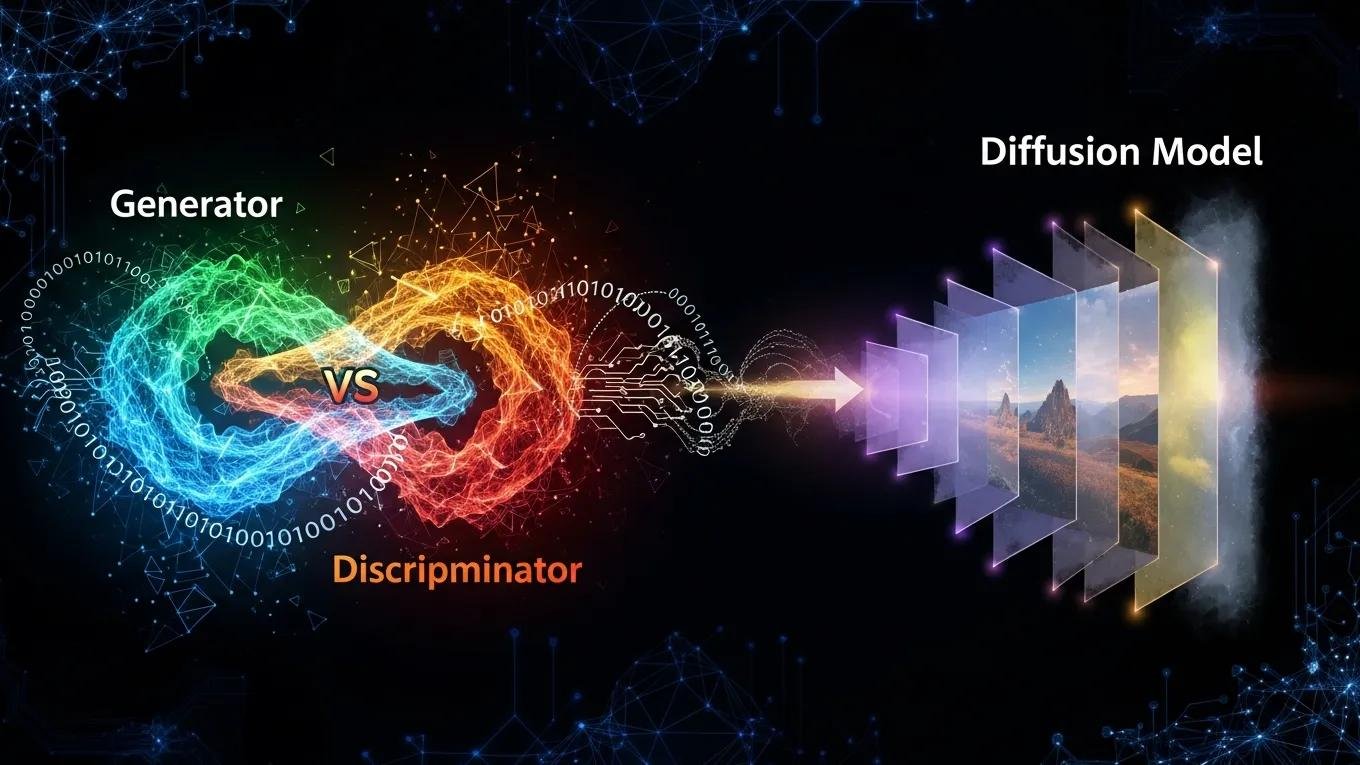
AI image generation mainly relies on Generative Adversarial Networks (GANs) and diffusion models. GANs pair a generator and a discriminator neural network: the generator produces images while the discriminator evaluates them, which improves realism over time. Diffusion models turn random noise into images through repeated steps, allowing fine control over detail. Both methods can produce product images that meet online retailers’ visual standards.
Popular AI Tools for Creating Product Images Without a Camera
Several AI tools can create product images without a camera, each with different strengths and workflows. Popular options include the tools listed below.
DALL-E: Developed by OpenAI, DALL-E generates images from textual descriptions, letting users create highly customized product photos.
Midjourney: This tool specializes in artistic image generation, useful for brands that want visually striking product images.
Canva: While primarily a graphic design tool, Canva includes AI-powered features that help users create product images quickly and easily.
Pixlr: This online photo editor provides AI tools for enhancing and generating images, making it a versatile option for product photography.
ChatGPT: Known primarily for its language capabilities, ChatGPT now integrates with image generation models, allowing users to create detailed prompts and receive AI-generated product photos with enhanced contextual understanding and creativity.
Gemini: As a cutting-edge AI platform, Gemini combines advanced natural language processing with powerful image synthesis, offering users a seamless experience in generating high-quality, realistic product images tailored to specific brand aesthetics.
These tools serve different needs and skill levels, so beginners can pick one that matches their project and experience.
How Can Beginners Create Product Photos Using AI Tools?
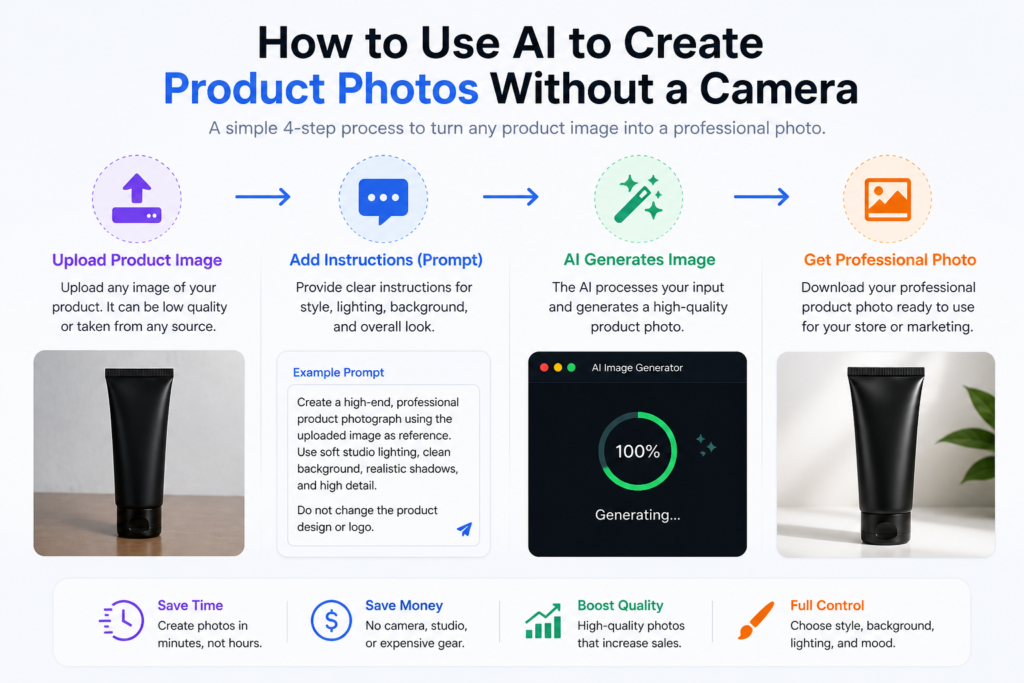
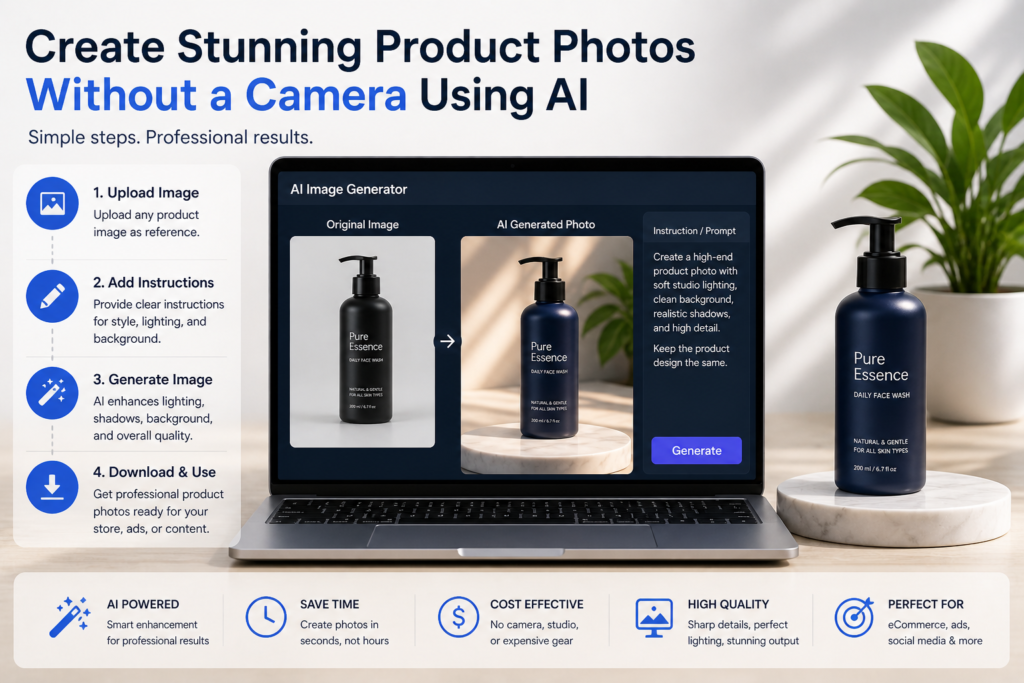
Making product photos with AI follows a few clear steps. The process below breaks them down so beginners can start confidently.
Create Stunning Product Photos with AI – No Camera Needed 11
Step-by-Step Guide to Generating Product Images with AI Software
Choose a Tool: Pick an AI image generator that fits your needs, considering ease of use, features, and pricing. Platforms like ChatGPT and Gemini offer user-friendly interfaces and powerful capabilities suitable for beginners and professionals alike.
Input Product Details: Provide clear descriptions of the product, color, size, materials, and any features you want to highlight. Using ChatGPT or Gemini can help refine these prompts to maximize image quality and relevance.
Generate and Refine Images: Produce images with the AI tool, review results, and iterate on prompts or settings until the look matches your goals. Both ChatGPT and Gemini support iterative refinement through conversational feedback, enhancing the creative process.
Following these steps helps you create high-quality product images without a camera.
Choosing the Best AI Photo Creation Software for Beginners
When choosing AI photo software, beginners should weigh a few key factors:
User-Friendliness: Choose tools with intuitive interfaces that make it easy to create and edit images. ChatGPT and Gemini are designed with accessibility in mind, offering guided workflows and helpful suggestions.
Cost Considerations: Compare pricing models, free tiers, and subscription plans to find one that fits your budget. Both ChatGPT and Gemini provide scalable options for different user needs.
Feature Set: Confirm the software offers the customization, templates, and editing capabilities you need. The integration of language and image generation in ChatGPT and Gemini allows for advanced customization and creative control.
Focusing on these points helps you pick software that matches your budget and goals.
What Tips Improve the Quality of AI-Generated Product Photos?
Create Stunning Product Photos with AI – No Camera Needed 12
To make AI-generated product photos look professional and sell better, apply a few practical best practices.
Optimizing AI-Generated Images for Ecommerce Use
When using AI images for e-commerce, consider the following optimization techniques:
Image Resolution: Produce high-resolution versions to preserve clarity and detail across devices.
Background Considerations: Use clean, neutral backgrounds to highlight the product and reduce distractions.
Brand Consistency: Keep a consistent visual style across images to reinforce brand identity and professionalism.
Using these strategies will raise the overall quality of your AI-generated product photos.
Common Challenges and How to Overcome Them in AI Product Photography
AI product photography offers many benefits, but beginners may encounter common challenges. Below are typical issues and practical fixes.
Technical Challenges: Learn the software features and settings to avoid technical problems during generation. Leveraging the conversational AI capabilities of ChatGPT or the integrated support in Gemini can help troubleshoot issues effectively.
Creative Challenges: Test different prompts, angles, and styles to find the best representation of your product. Both ChatGPT and Gemini excel at generating creative ideas and refining visual concepts.
Resource Limitations: Use free or low-cost AI tools to reduce expenses while achieving quality results. ChatGPT and Gemini offer accessible entry points for users with limited budgets.
Addressing these issues early helps beginners get reliable results from AI tools.
Are AI-Generated Product Photos Effective for Online Selling?
AI-generated product photos can work well for online selling and offer advantages over traditional photography. Understanding these benefits helps businesses decide how to incorporate AI into their image strategy.
Create Stunning Product Photos with AI – No Camera Needed 13
The use of AI-generated product photos provides several key benefits:
Cost-Effectiveness: AI tools reduce the need for expensive equipment and professional services, lowering costs.
Time Savings: Generating images with AI is often faster than arranging traditional photoshoots, enabling quicker launches.
Quality Improvements: Advanced algorithms can produce images that meet modern e-commerce visual standards. Platforms like ChatGPT and Gemini push these boundaries further by combining natural language understanding with image synthesis for superior results.
These advantages make AI-generated product photos an attractive choice for retailers aiming to improve visual marketing.
Researchers continue to study AI’s impact on product photography and advertising, noting its potential to boost creativity and efficiency.
AI’s Disruption in Product Photography & Advertising
This study describes and analyzes AI technology in photography for product advertising to understand visual effects. It focuses on how these advances influence changes in the advertising world. Where photography once aimed to represent reality, AI imaging has shifted how we interpret photographic concepts. The study finds that AI advances enable more creative and innovative visual aesthetics and can help make work more effective and efficient.
Post-photography: the disruption effect of artificial intelligence on photography for product advertising, P Widyo Harsanto, 2023
Real-World Examples and Case Studies of AI Product Photography Success
Many businesses have used AI-generated product photography to boost their online presence. For example, a fashion retailer used AI tools to create a wider variety of product images and saw increased online sales. Another e-commerce platform adopted AI images to speed up product listings and reduce the time needed to update inventory. Additionally, companies leveraging ChatGPT and Gemini have reported enhanced creative workflows and more personalized product visuals, leading to stronger customer engagement.
These case studies show AI product photography can help drive sales and improve operational efficiency.
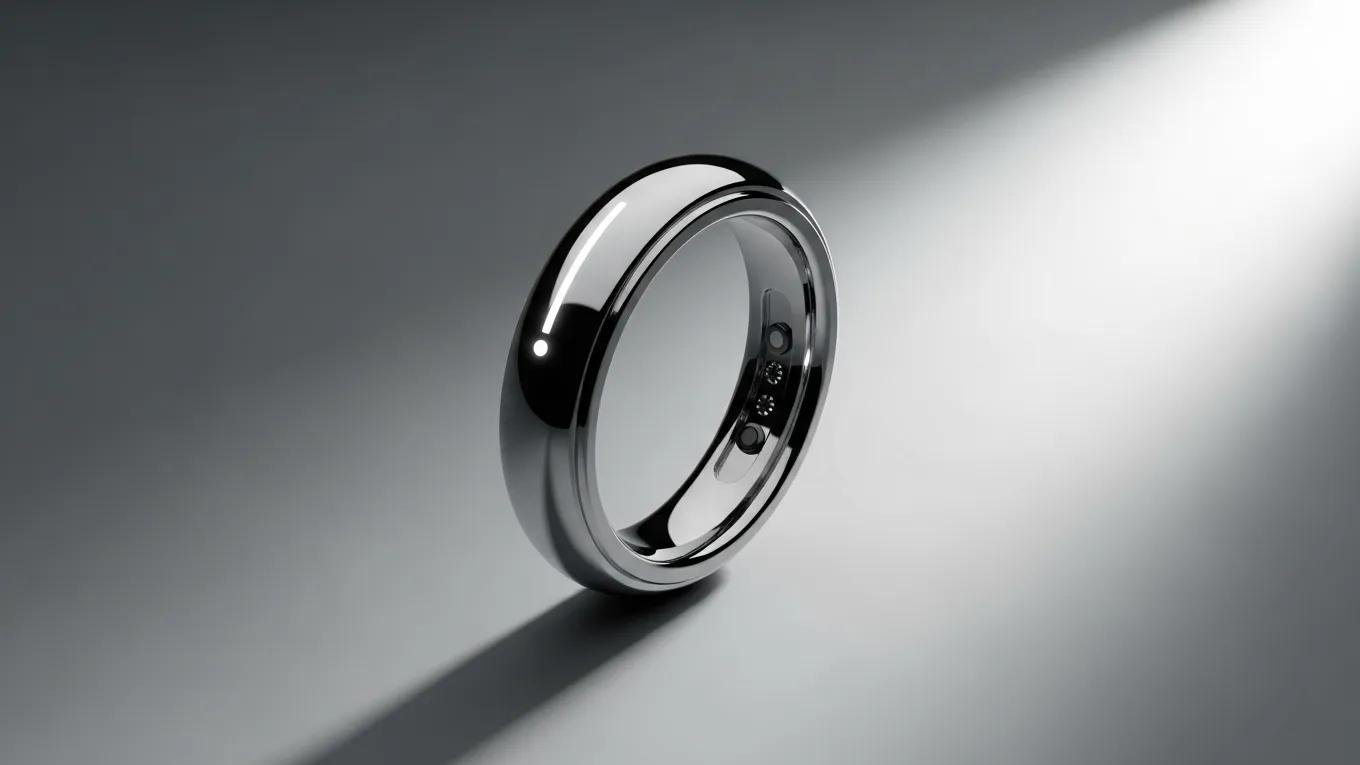
Here is the prompt that can make your product like a studio shoot
🎨 Prompt #1 — Studio type
Create a high-end studio product photograph using the uploaded image as the primary reference.
Strictly preserve the product’s exact shape, proportions, colors, branding, logo, text, and material — no modifications, distortions, or redesign.
Transform the image into a professional studio shoot with:
Softbox lighting from both sides for even illumination
Subtle top light for highlight definition
Clean, controlled shadows (natural drop shadow under product)
High dynamic range with balanced highlights and shadows
Ultra-sharp focus with visible texture and material accuracy
Place the product on a realistic studio surface:
Option 1: Pure white seamless background (eCommerce style)
Option 2: Light gradient background (premium commercial look)
Option 3: Glossy reflective surface (luxury product style)
Ensure:
Product is centered and properly aligned
Correct perspective and scale
No floating effect (grounded with shadow/contact point)
Realistic reflections depending on material (metal, glass, plastic)
Depth of field is subtle (background slightly blurred if needed)
Camera simulation:
85mm lens look
f/5.6 aperture
ISO 100
Straight-on or slight 45° angle
Output requirements:
Photorealistic, commercial-grade product image
Clean, noise-free, high-resolution
Suitable for eCommerce listing or brand advertisement
Do NOT:
Change product design, label, or branding
Add extra objects unless minimal and relevant
Stylize beyond realistic photography
Final result must look like a professional studio product shoot.
Here is the prompt that can make your product like a model holding your Product
🎨 Prompt #2 — Model Holding the Product
Create a high-end lifestyle product photograph using the uploaded product image as the primary reference.
Strictly preserve the product’s exact shape, proportions, colors, branding, logo, and text — no changes or distortions.
Place the product naturally in the hand of a human model. The model should:
Hold the product in a realistic grip (fingers correctly wrapped, no distortion)
Keep the product clearly visible and front-facing
Not cover branding or key details
Model requirements:
Clean, natural appearance
Neutral expression or subtle smile
Well-groomed hands (important for close-up shots)
Skin tones realistic and evenly lit
Scene setup:
Professional studio or soft lifestyle environment
Minimal, non-distracting background (light neutral tones or soft blur)
Natural or soft studio lighting (window light or softbox)
Balanced shadows and highlights
Camera and composition:
Focus on the product as the primary subject
Slight depth of field (background softly blurred)
Close-up or mid-shot framing
50mm or 85mm lens look for realistic perspective
Ensure:
Product scale is accurate relative to the hand
Natural hand positioning (no extra fingers or distortions)
Realistic contact shadows between hand and product
No floating effect
Photorealistic skin texture and lighting
Output:
Clean, commercial-quality lifestyle product photo
Suitable for ads, social media, and eCommerce
Do NOT:
Alter product design or branding
Add unnecessary props
Over-stylize or cartoonize the scene.