
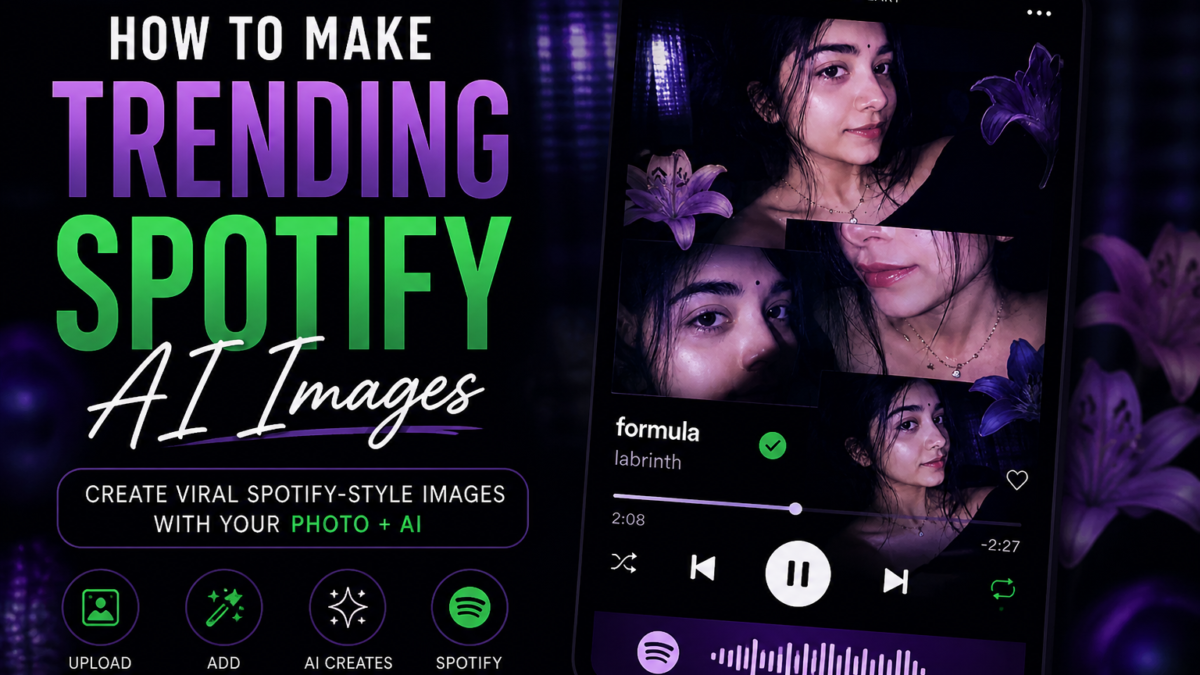
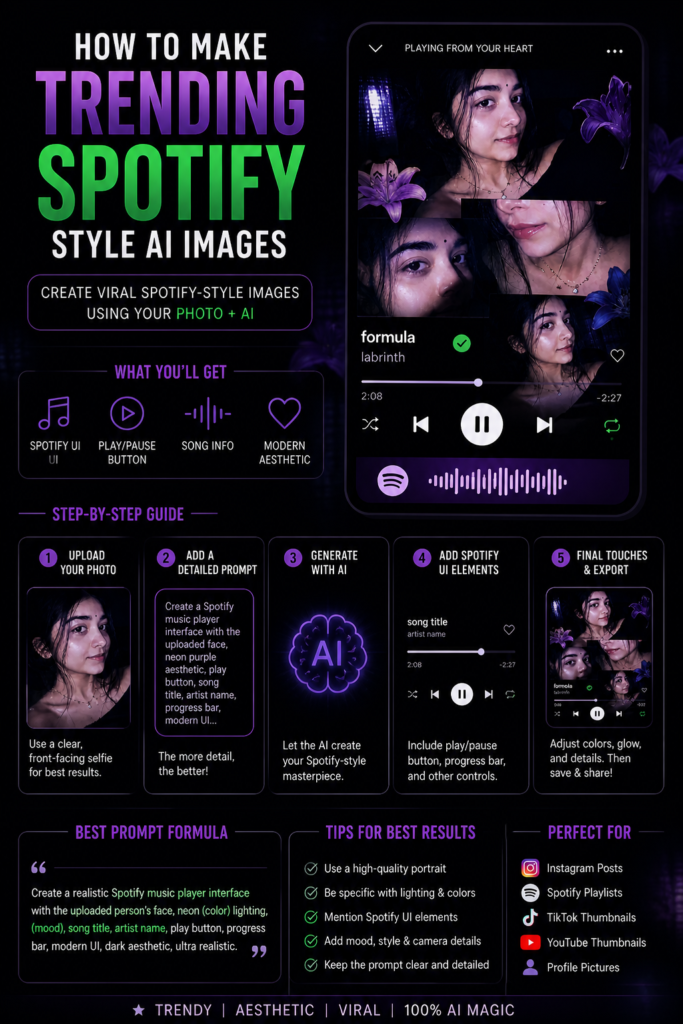
Spotify-style AI images are trending because they combine cinematic portraits with realistic music player interfaces. The most viral versions include Spotify-inspired UI elements like:
- Play and pause buttons
- Song progress bar
- Album artwork layout
- Music controls
- Track title and artist name
- Spotify-style dark interface
These details make the image look like an actual music player screenshot instead of just a portrait edit.
What Makes a Real Spotify-Style Image?
A proper Spotify-themed AI image usually contains:
| Element | Purpose |
|---|---|
| Cinematic portrait | Main visual focus |
| Dark music-player background | Creates album mood |
| Play/Pause button | Makes it look authentic |
| Progress timeline | Adds realism |
| Song title | Personal branding |
| Artist name | Music aesthetic |
| Glow lighting | Viral social media look |
| Blurred background | Professional depth effect |
Step-by-Step Process
Step 1: Upload Your Portrait
Use:
- Clear selfie
- Front-facing image
- Good lighting
- Neutral expression
Portrait photos work best because Spotify-style layouts focus heavily on the face.
Step 2: Use a Detailed AI Prompt
The UI elements must be mentioned directly in the prompt. Otherwise AI may only create a cinematic portrait without the music player interface.
Example prompt:
Create a realistic Spotify-style music player portrait using the uploaded face exactly. Add a cinematic dark aesthetic with neon green and blue lighting. The image should look like a real Spotify app screen with visible music player UI including play button, pause button, progress bar, song title, artist name, album cover layout, music controls, waveform details, and modern streaming interface. Add blurry background lights, shallow depth of field, realistic skin texture, soft glow effects, studio lighting, premium music aesthetic, ultra-realistic photography, centered composition, trending Instagram and TikTok style, 4K quality.
Important Keywords to Include
These words help AI generate realistic Spotify interfaces:
| UI Keyword | Purpose |
|---|---|
| Spotify interface | Core design style |
| music player UI | Generates controls |
| play button | Adds player controls |
| pause button | Makes interface realistic |
| progress bar | Creates streaming look |
| album cover layout | Improves composition |
| song title text | Adds authenticity |
| streaming app aesthetic | Enhances realism |
Best AI Tools for This Style
OpenAI ChatGPT Image Generation
Best for:
- Realistic faces
- Accurate UI placement
- Cinematic lighting
Midjourney
Best for:
- Artistic album covers
- Neon aesthetics
- Creative compositions
Canva
Useful after generation for:
- Adding realistic Spotify overlays
- Custom text
- Music progress bars
- Final thumbnail editing
How Viral Creators Make These Images Better
Most trending creators do not rely only on AI generation. They combine:
- AI portrait generation
- Manual Spotify UI overlays
- Motion blur effects
- Glow enhancement
- Grain and lighting adjustments
This creates a more realistic final result.
Extra Effects That Improve the Final Image
Add these prompt phrases:
- glassmorphism UI
- glowing interface
- holographic music controls
- cinematic flash photography
- modern mobile app aesthetic
- realistic smartphone screen
These details increase realism significantly.
Best Aspect Ratio
| Platform | Recommended Ratio |
|---|---|
| Instagram Post | 1:1 |
| TikTok Thumbnail | 9:16 |
| YouTube Thumbnail | 16:9 |
| Spotify Playlist Cover | 1:1 |
Final Result
A successful Spotify-style AI image should look like:
- A real music streaming screenshot
- A cinematic album cover
- A premium social media graphic
- A professional artist profile image
The combination of realistic portrait lighting and authentic Spotify UI elements is what makes these images trend heavily across social platforms.
Male Version Prompt
Female Version Prompt
| Create NOW |
|---|
| TRY PHOTO EDITING |
| Create Now |