
Top AI Camera Apps Available on the Play Store for Android in 2026
This list highlights the best AI camera apps accessible on the Play Store, designed to elevate your photography experience through advanced computational techniques and intelligent automation. Each app leverages artificial intelligence not only to enhance image quality but also to provide nuanced editing capabilities and tailored user experiences, making them indispensable tools for both amateur enthusiasts and professional photographers seeking to maximize their Android device’s camera potential.
- GCamera (GCam Ports) – Bringing Google Pixel’s renowned computational photography to a wide range of Android devices, GCamera excels with its HDR+ algorithm, Night Sight for low-light clarity, and AI-driven portrait mode that simulates DSLR-like bokeh. Its sensor processing pipeline intelligently merges multiple exposures to extend dynamic range and reduce noise, delivering images with remarkable detail and color accuracy. Best suited for users who want flagship-level photo quality without upgrading hardware.
- Remini – AI Photo Enhancer – Specializing in AI-powered restoration, Remini uses deep learning models to reconstruct details in old, blurred, or low-resolution photos. Its neural networks analyze image patterns to unblur faces and sharpen textures, making it invaluable for archival photo recovery or enhancing casual snapshots. While it excels in photo restoration, it is less focused on real-time capture or manual controls.
- YouCam Perfect – This app stands out for its real-time AI beauty enhancements, including skin smoothing, blemish removal, and object erasing. It integrates facial recognition algorithms to apply natural-looking retouches without over-processing. Ideal for users prioritizing flawless selfies and portrait shots, it also offers a variety of creative filters and background effects. However, it lacks advanced manual controls for professional photographers.
- Adobe Photoshop Camera – Leveraging Adobe’s AI Sensei technology, this app applies intelligent lenses and filters that adjust lighting, color grading, and effects dynamically before capturing the photo. Its strength lies in creative real-time editing, allowing users to preview complex effects such as depth mapping and selective focus. Best for users who want professional-grade editing integrated into the capture process, though it may not offer the granular manual controls found in dedicated camera apps.
- Protek – Designed for photography enthusiasts and professionals, Protek combines AI-assisted features with comprehensive manual controls including ISO, shutter speed, focus, and white balance adjustments. Its intuitive interface supports RAW capture and advanced exposure bracketing, making it a strong choice for users who want to blend AI enhancements with hands-on control. It performs well in challenging lighting but requires some photography knowledge to unlock its full potential.
- Wink AI – Focused on video, Wink AI offers AI-powered video enhancement and repair tools such as stabilization, noise reduction, and frame interpolation. It is particularly useful for content creators seeking quick improvements to footage without complex editing software. While it supports some photo features, its core strength lies in video enhancement, making it a top contender for the best video camera app on Android.
- Open Camera – A free, open-source app favored by users who want full manual control and customization. It supports RAW capture, exposure bracketing, and customizable UI elements. While it lacks built-in AI enhancements, its flexibility allows integration with third-party AI tools and plugins. Open Camera is ideal for users who prefer a hands-on approach and value transparency and community-driven development.
- Samsung Camera App – Optimized for Samsung devices, this app integrates AI-driven scene optimization, Super Night Mode, and Live Focus for portrait shots. It leverages Samsung’s proprietary sensor technology and multi-frame processing to enhance image quality. The app also supports Pro Mode with manual controls and RAW capture on flagship devices. Best for Samsung users who want seamless integration and reliable AI enhancements tailored to their hardware.
In the rapidly evolving world of mobile photography, artificial intelligence (AI) has become a transformative force, enhancing Android camera apps by integrating computational photography, sensor data fusion, and machine learning algorithms. This guide delves into the top AI camera apps of 2026, providing expert insights into their technical underpinnings, real-world applications, and performance benchmarks. Readers will discover how AI improves features such as HDR processing, noise reduction, portrait mode depth simulation, and video stabilization, enabling users to capture professional-quality images even in challenging conditions. The article also offers practical tips for maximizing AI functionalities and highlights future trends that will continue to redefine mobile photography. Whether you seek the best android camera application for low-light shooting, free camera apps android with manual controls, or the best android phone camera app for video, this comprehensive review equips you with the knowledge to choose the right tool for your needs.
Indeed, AI’s integration into mobile photography is increasingly critical for enhancing image fidelity and user experience, as supported by recent empirical studies.
AI in Mobile Photography: Editing, Enhancements & Portrait Mode
Artificial Intelligence (AI) is revolutionizing image editing and enhancement, enabling real-time adjustments and advanced features such as portrait mode with natural bokeh simulation. These innovations are reshaping modern photography workflows and user expectations.
AI in image editing and enhancement: Revolutionizing photography, 2024
Which AI Technologies Enhance Android Camera Apps in 2026?
AI technologies underpinning Android camera apps in 2026 include advanced computational photography algorithms that merge multiple exposures to extend dynamic range and reduce noise, especially in HDR and Night modes. Sensor fusion techniques combine data from RGB, monochrome, and depth sensors to improve detail and depth perception. Machine learning models enable scene recognition and automatic parameter tuning, optimizing settings for landscapes, portraits, or macro shots. Additionally, neural networks facilitate real-time image enhancement such as super-resolution, deblurring, and facial retouching. These technologies democratize professional photography by automating complex processes while preserving user control through manual overrides.
Research confirms that AI-generated content (AIGC) significantly elevates mobile photography by translating professional editing practices into accessible automated tools, enhancing both quality and efficiency.
AI-Generated Content for Enhanced Mobile Photography
Mobile photography is the most common method for capturing life’s moments. Advances in neural style transfer and multi-modal AI models enable AIGC to transform professional techniques into standard assistance for everyday users, improving photo quality and editing efficiency.
The art of artificial intelligent generated content for mobile photography, Z Wu, 2023
What Are the Top AI Camera Apps for Android in 2026?
The leading AI-enhanced camera apps for Android in 2026 combine computational photography, AI-driven editing, and user-centric design. GCam ports remain the gold standard for HDR+ and Night Sight, delivering superior dynamic range and low-light performance. Remini excels in photo restoration through AI-driven detail recovery. YouCam Perfect and Adobe Photoshop Camera offer real-time beauty and creative filters powered by AI. Protek caters to professionals with manual controls augmented by AI assistance. Wink AI specializes in video enhancement, while Open Camera appeals to users seeking open-source flexibility and manual precision. Samsung Camera App integrates AI tightly with hardware for optimized results on Samsung devices.
These apps combine powerful AI-driven editing with hardware-specific optimizations and user-friendly interfaces, enabling Android users to capture and enhance images with professional quality.
Which Apps Offer the Best AI Selfie and Portrait Modes?
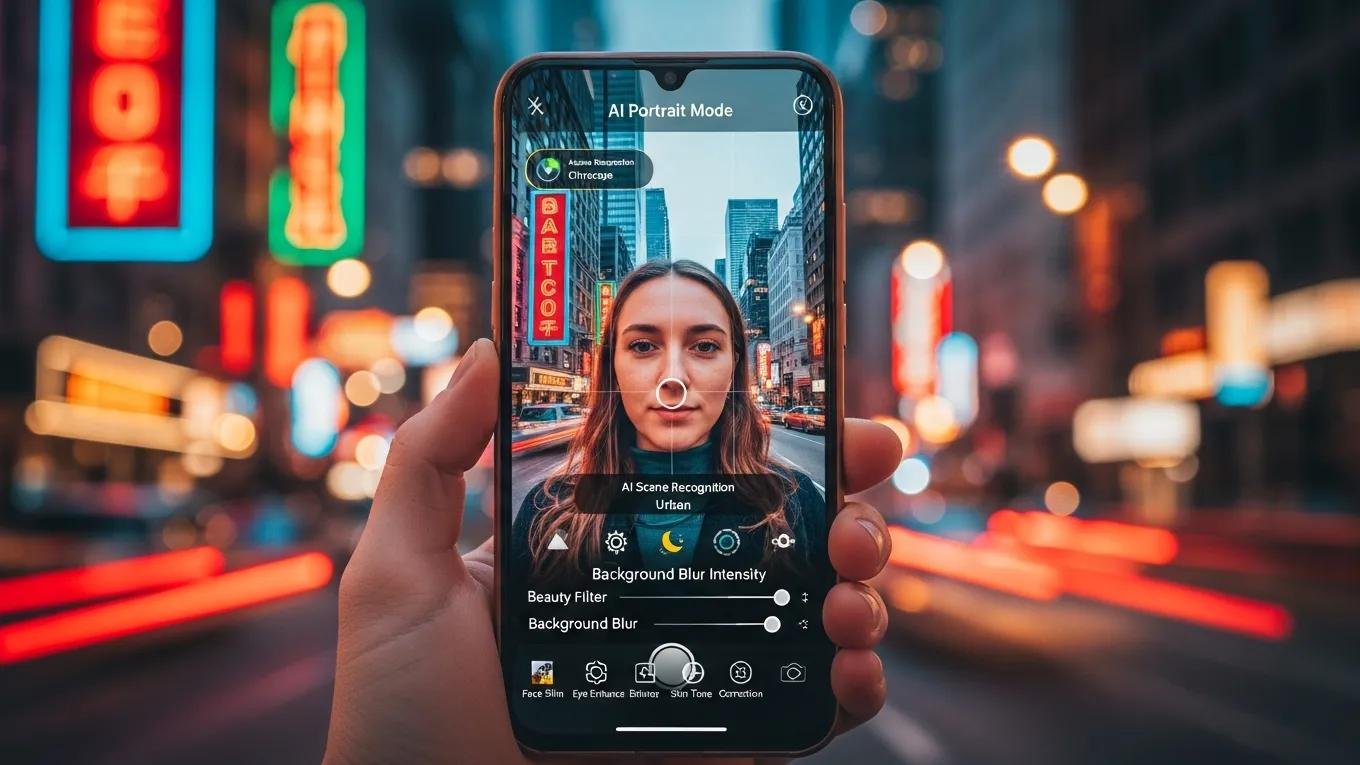
For selfies and portraits, apps like GCamera and YouCam Perfect lead with AI-driven portrait modes that simulate natural bokeh by leveraging depth maps generated from dual or multi-camera setups. Google Camera’s portrait mode uses machine learning to distinguish subject edges and apply realistic background blur, closely mimicking DSLR results. YouCam Perfect enhances facial features with AI skin smoothing and blemish removal, maintaining a natural look without excessive retouching. Adobe Photoshop Camera adds creative flair with AI-powered filters that adjust lighting and color tones dynamically. These apps are recommended for users prioritizing portrait photography, offering a balance between automation and customization.
The ability of AI to replicate natural bokeh, traditionally achievable only with large-aperture DSLR lenses, represents a significant breakthrough in mobile photography, as demonstrated by deep learning research.
Deep Learning for Natural Bokeh in Mobile Cameras
Bokeh highlights the main subject by blurring out-of-focus areas. Mobile cameras, limited by small apertures, cannot naturally produce shallow depth-of-field. This study presents a deep learning model trained on DSLR images to realistically simulate bokeh from single narrow-aperture photos.
Rendering natural camera bokeh effect with deep learning, A Ignatov, 2020
How Do AI Photo Editing Apps for Android Compare?
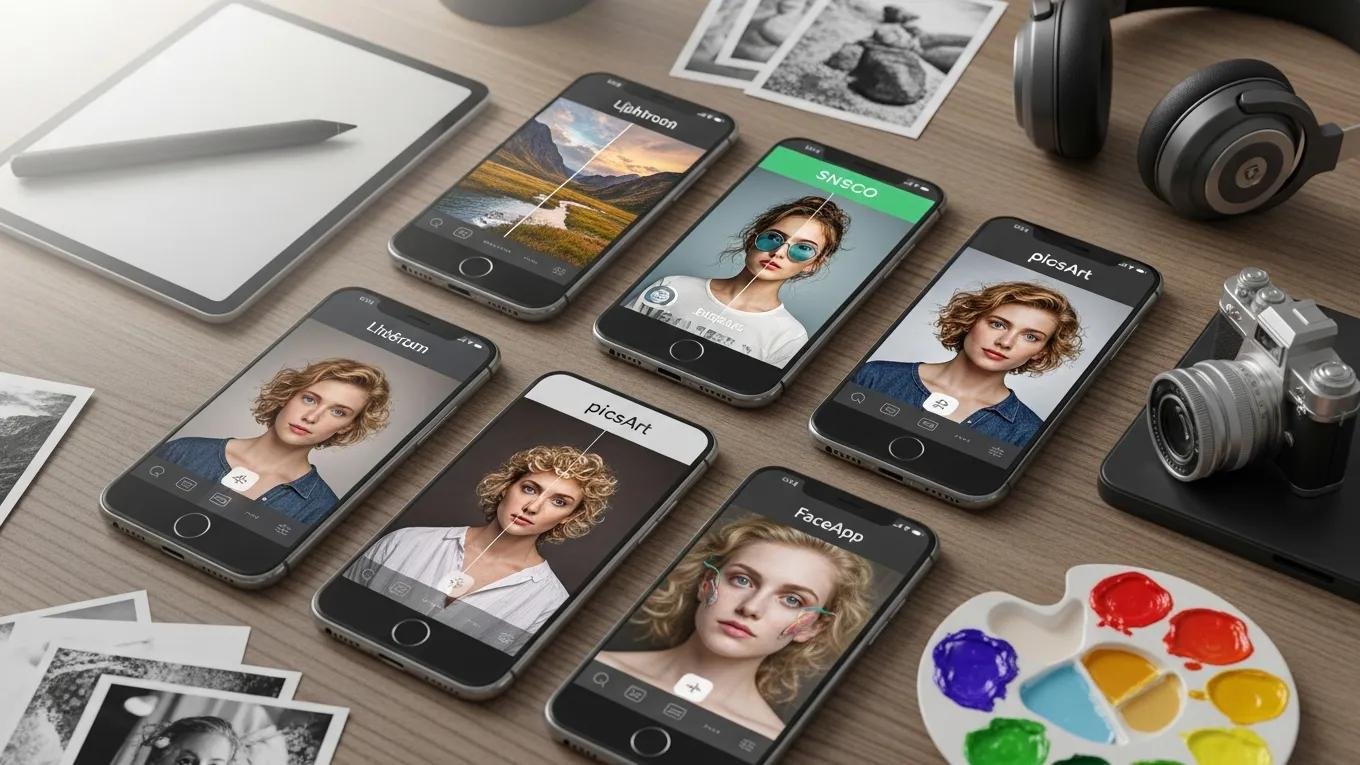
AI photo editing apps differ in scope and sophistication. Snapseed offers granular control with selective adjustments and a wide range of creative filters, favored by users who want precise edits. Adobe Lightroom combines powerful editing with organizational tools and supports RAW files, making it a professional-grade mobile editor. Photo Editor: Retouch and Enhance provide user-friendly interfaces for quick fixes, while Luminar Neo integrates AI-driven enhancements like sky replacement and structure adjustments. These apps complement the best android camera software and free camera apps android by enabling advanced post-processing workflows that elevate images beyond in-camera capabilities.
How Can Users Maximize AI Features in Android Camera Apps?
To harness AI features effectively, users should understand the underlying technologies and tailor settings to their shooting scenarios. For example, enabling AI scene detection allows the app to automatically optimize exposure, white balance, and focus based on recognized subjects such as landscapes, food, or portraits. Experimenting with AI-driven filters can enhance colors and textures without manual tweaking. Additionally, exploring manual controls alongside AI features can yield superior results, especially in challenging lighting or when shooting RAW for post-processing flexibility.
What Are Practical Tips for Using AI Scene Detection and Enhancement?
- Enable Scene Detection: Activate this to let the app identify the scene type and adjust parameters like ISO, shutter speed, and color profile automatically.
- Experiment with AI Filters: Use AI-powered filters that adapt to the scene’s lighting and colors to enhance vibrancy and detail.
- Combine Manual Controls: Override AI settings when necessary to fine-tune exposure or focus, especially in complex lighting.
- Use RAW Capture: When available, shoot in RAW to retain maximum image data for AI-assisted post-processing.
- Leverage AI Video Enhancements: For video, use apps like Wink AI to stabilize footage and reduce noise without sacrificing quality.
These strategies help users unlock the full potential of AI in their camera apps, balancing automation with creative control.
How to Troubleshoot Common Issues in AI Camera Apps?
Despite their sophistication, AI camera apps can encounter issues. Here are expert troubleshooting steps:
- Update Regularly: Keep apps updated to access the latest AI models and bug fixes.
- Restart the App: Close and reopen the app to clear temporary glitches.
- Clear Cache: Free up storage and improve performance by clearing cached data.
- Check Device Compatibility: Some AI features require specific hardware; verify your device supports them.
- Adjust Permissions: Ensure the app has necessary permissions for camera, storage, and microphone access.
Following these steps maintains optimal app performance and AI functionality.
What Future Trends Will Shape AI Camera Apps on Android?
The future of AI camera apps on Android promises deeper integration of machine learning with hardware capabilities. Augmented reality (AR) overlays will enable real-time visualization of edits and effects, enhancing user interaction. AI computational photography will evolve to include personalized style transfer, adapting image processing to individual preferences. Video capture will benefit from AI-driven frame interpolation and real-time object tracking, improving smoothness and focus. Additionally, edge AI processing will reduce latency and enhance privacy by performing computations locally on devices.
How Will AI Computational Photography Evolve Beyond 2026?
Advancements in AI computational photography will focus on more precise sensor data fusion, enabling multi-frame HDR with minimal artifacts and improved dynamic range. Machine learning models will become more efficient, allowing real-time semantic segmentation to isolate subjects and backgrounds for selective editing. Personalized AI models trained on user shooting habits will tailor camera behavior, optimizing settings automatically. Video AI will incorporate real-time depth mapping and motion prediction, enhancing stabilization and focus tracking.
What New AI Features Can Android Users Expect Soon?
- Enhanced Night Mode: Algorithms will better suppress noise and recover detail in ultra-low light, leveraging multi-frame fusion and AI denoising.
- Smart Editing Suggestions: AI will analyze photos and recommend context-aware edits, streamlining post-processing.
- Real-Time Adaptive Filters: Filters that dynamically adjust based on scene composition and lighting changes as the user frames the shot.
- Object Eraser: Instant removal of unwanted elements using AI in both photos and videos, with seamless background reconstruction.
- Real-Time Beautification: AI-driven facial refinement that adapts to lighting and expressions for natural results.
- AI Scene Detection: More granular scene recognition including food, pets, documents, and night skies, optimizing settings accordingly.
These innovations will further empower Android users to capture and edit stunning images effortlessly, solidifying AI’s role as an essential component of modern mobile photography.