
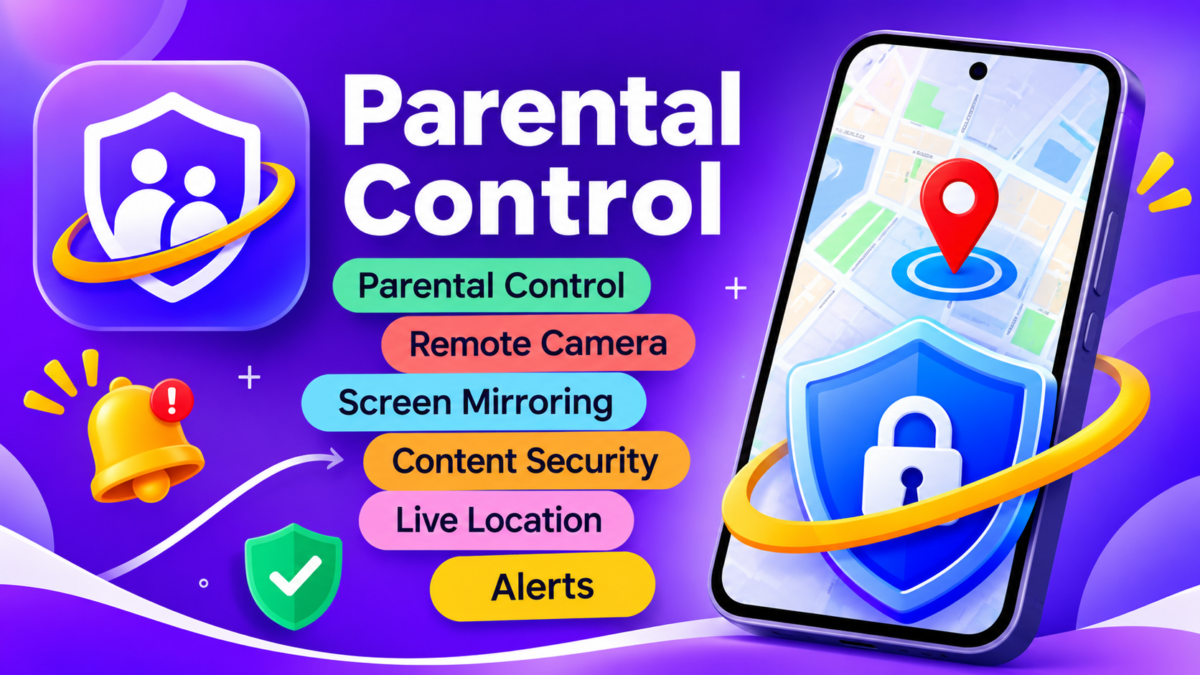
In today’s digital world, children spend a lot of time using smartphones for learning, entertainment, and communication. However, managing their screen time and ensuring online safety can be challenging for parents.
FlashGet Kids is a parental control application designed to help parents monitor and manage their children’s smartphone activities. It offers useful features such as Live Location Tracking, Screen Mirroring, Remote Camera, and App Blocking.
Let’s explore its main features and how this application works.
What Is FlashGet Kids APK?
FlashGet Kids is a parental control application developed by HONGKONG FLASHGET NETWORK TECHNOLOGY.
It allows parents to supervise certain activities on a connected smartphone using another device. The application generally requires two devices: a Parent Device and a Child Device.
After completing the setup and pairing process, parents can access supported monitoring and control features through the parent dashboard.
Key Features of FlashGet Kids
1. Live Location Tracking
Parents can check the location of a connected device using GPS and an internet connection. This feature helps parents stay informed about their children’s whereabouts.
2. Remote Camera
The Remote Camera feature allows access to the connected device’s camera on supported smartphones, subject to the required permissions.
3. Screen Mirroring
With Screen Mirroring, parents can view the connected smartphone’s screen and understand how certain applications are being used.
4. App Blocking
Parents can restrict or block selected applications to help manage screen time and reduce excessive gaming or social media usage.
5. Content Security
Content security tools help parents supervise certain online activities and support a safer digital environment for children.
6. Alerts & Notifications
Parents can receive notifications about selected activities and security-related events, depending on the available settings.
How to Use FlashGet Kids?
Getting started with FlashGet Kids is simple.
Install the Parent App on the parent’s smartphone.
Set up the Child App on the child’s device.
Connect both devices using the required pairing process.
Grant the necessary permissions.
Access the Parent Dashboard to manage available features.
Feature availability may vary depending on the device, Android version, and subscription plan.
Advantages of FlashGet Kids
Live location monitoring.
Screen Mirroring support.
Remote Camera functionality.
Application blocking and management.
Security alerts and notifications.
Better screen-time management.
Multiple parental control features in one application.
FlashGet Kids APK – App Information
| Details | Information |
|---|---|
| App Name | FlashGet Kids |
| Developer | HONGKONG FLASHGET NETWORK TECHNOLOGY |
| Category | Parental Control |
| Platform | Android |
| App Size | Approximately 45 MB |
| Age Rating | 3+ |
| Monetization | In-App Purchases |
Note: App information is based on the provided screenshots and may change with future updates.
Is FlashGet Kids Free?
FlashGet Kids offers basic access to get started, but some advanced features may require a Premium Subscription or in-app purchase. Users should check the current subscription details before purchasing.
Frequently Asked Questions (FAQ)
1. What is FlashGet Kids used for?
It is used for parental supervision, location tracking, screen monitoring, and managing children’s smartphone activities.
2. Can FlashGet Kids track live location?
Yes, it supports location tracking when the required permissions and GPS services are enabled.
3. Does it support Screen Mirroring?
Yes, Screen Mirroring is available on supported devices.
4. Is FlashGet Kids free?
Some features may be available without payment, while advanced tools may require a subscription.
5. How many phones are needed?
Generally, two devices are required: one Parent Device and one Child Device.
Final Verdict
FlashGet Kids is a useful parental control application for parents who want to manage their children’s smartphone usage and encourage safer digital habits.
With features like Live Location Tracking, Screen Mirroring, Remote Camera, and App Blocking, it provides several tools for responsible parental supervision.
Overall, FlashGet Kids may be a good option for parents looking for additional control over their children’s digital activities.
Disclaimer: This article is for informational purposes only. Always use parental monitoring features responsibly and respect the privacy of device users.